9 PM: The Codebase Was Gone
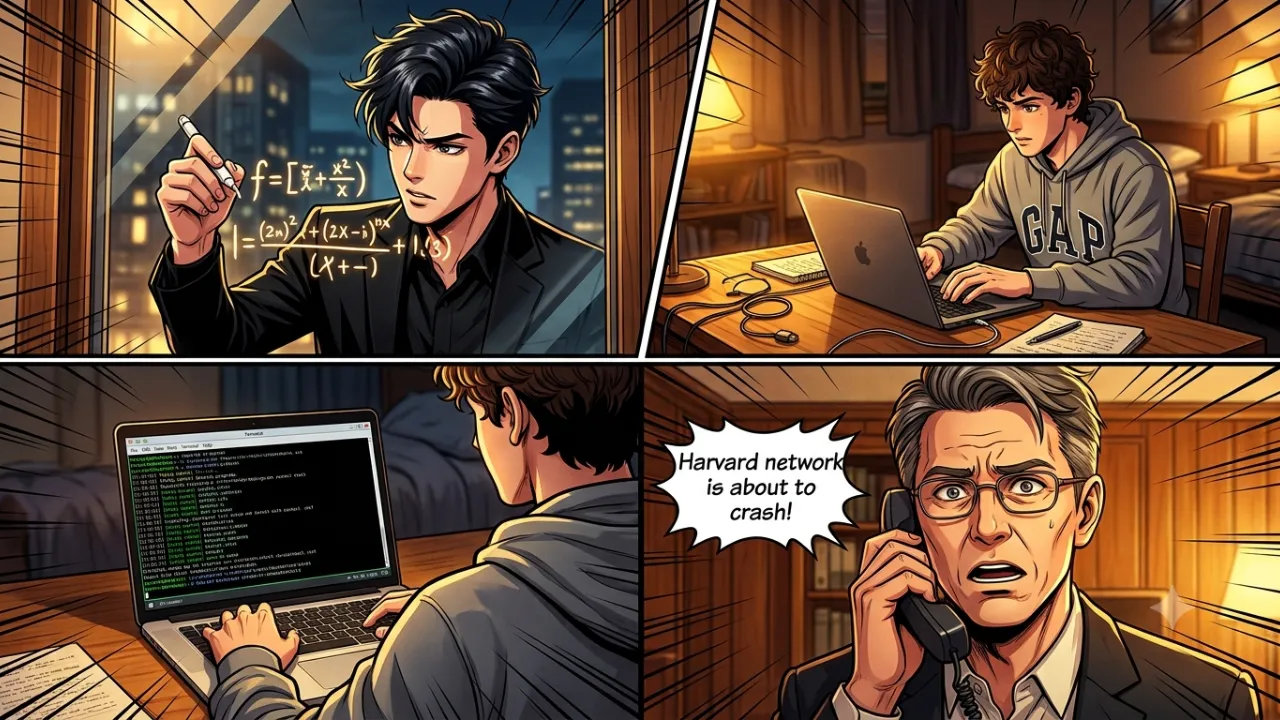
The Night When an Auto-Deployment Script Deleted an Entire Codebase
Context
Our team at my current company is very small; in fact, it’s just me and my boss (the Director of the company and the Global CIO). We work on multiple projects and deliver them quickly, so it’s always a case of “build and ship fast.” Over time, we became quite good at stabilising things quickly as well, so what we release is often more than just an MVP—it’s an actual beta release for users.
Initially, it was just ChatGPT Enterprise, and we kept iterating there while working in our coding workspace. But with the rise of Agents within our IDEs, our development process accelerated even further. Then Claude Code arrived, and it was probably one of the most amazing tools I’ve ever used. Everything felt smooth as butter and genuinely mind-blowing.
While the rise of coding agents was clearly visible beyond the horizon (even though some people are still denying it), we soon realised that building wasn’t the issue—keeping things stable was the real challenge. This meant the architecture of our applications needed to be more solid than ever, because a coding agent can change almost anything at any time based on a new request.
Naturally, to work on architecture properly, we needed a stable test bed. While agents are also very good at building those, they still require continuous monitoring, feedback, and handholding. Sometimes they may design a test case that appears comprehensive but is effectively built to “always pass.”
This was when my boss called one of his old friends, a Senior Architect (and a brilliant engineer), to help me understand the essentials of building large-scale applications and, more importantly, how to keep them simple.
I learned a lot about building test beds, auto-deployments, and deployment pipelines, which I’ll write about soon, In Sha Allah. But one of the most memorable—and terrifying—experiences I’ve ever had happened during this process. In reality, it lasted only about five minutes, but the effects nearly carried on into the next day.
The Incident
We had finally built our test bed and auto-deployment pipeline.
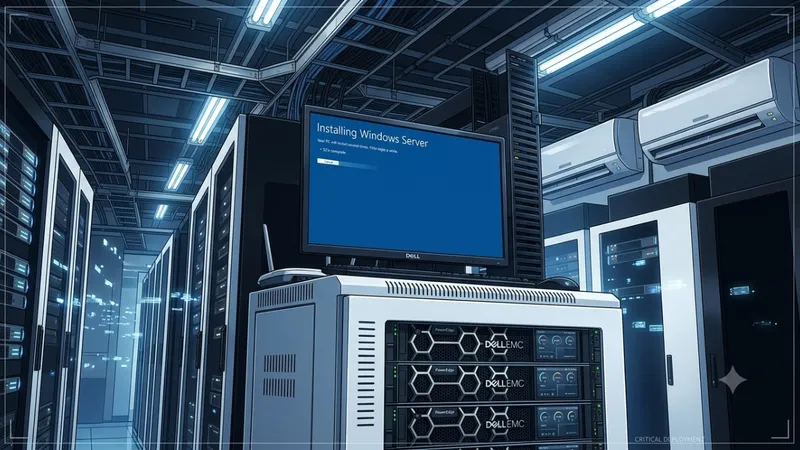
Mind you, this was a custom server, and it was the first time I had ever set up auto-deployment myself (although I had done manual deployments many times before).
By design, the testing layer was supposed to make a copy of the codebase elsewhere, create the scenarios it was designed to test, verify that the application could handle them, and then delete that temporary copy.
And that was it.
“Delete” was where the catastrophe happened.
When I ran the script for the first time, I watched the test cases pass one by one. I was absolutely delighted—it had all gone according to plan.
However, I also had silent logging enabled in the terminal so I wouldn’t be overloaded with unnecessary information and could focus only on the essential deployment details.
While the test scripts were running smoothly, I glanced over at the deployment actions and noticed that the build had failed.
That immediately added another layer of panic because there was no fallback mechanism for that error. If the deployment failed, the live site that users accessed would also go down.
Note: This was around 9:00 PM IST. While our Indian users would still have been active, activity from the UK, Romania, and South Africa would also have remained fairly high.
The moment I switched to my workspace on the server to investigate what had gone wrong—and, of course, to ask my agent to analyse it—I saw something that genuinely terrified me.
My codebase was empty.
All files. Literally all of them.
Configs, frontend, backend—everything was gone.
Everything except the directory that contained the test scripts.
For a brief moment, I went completely numb.
But two years of experience as a solo developer in a high-stakes environment quickly kicked in and forced me to analyse the situation rather than panic.
A quick scan showed that my .git directory was still there, which meant the code was recoverable. Thankfully, because I had developed the habit of always working in Git branches, the main branch itself wasn’t affected.
So the first thing I did was recover the code.
Only after that did I turn to the agent and ask it to analyse what had happened.
This is what it found:
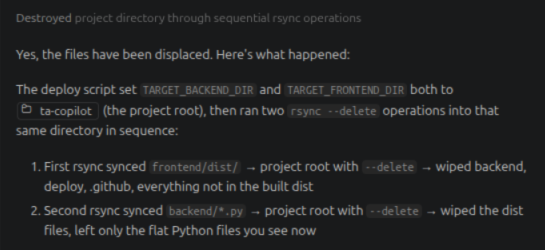
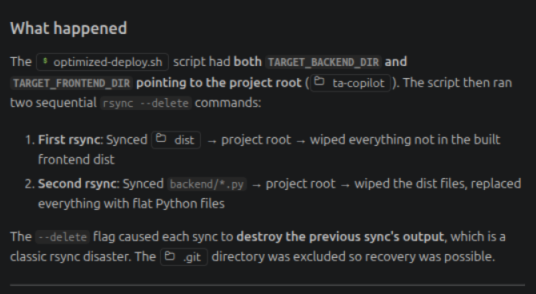
rsync --deleteIt quickly became both my greatest friend and my greatest enemy.
For those who know, rsync is an incredibly useful tool. But in the environment I was working in—where both the test build and production build existed on the same server—a misplaced file path could be extremely dangerous.
And that was exactly what happened.
The test project path and the production path should have been completely segregated. The script failed to account for that, and as a result, it ended up deleting the actual project root.
What Happened Next
I immediately reached out to the Senior Architect and explained the behaviour.
He quickly improved the process by strictly isolating the environment into a dedicated temporary path and, more importantly, creating a temporary backup before the process even started.
I also informed my boss, who suggested setting up a backup server to maintain copies of both our codebase and database.
And yes, I had been careful with the database from the beginning.
Only a copy of the schema was ever touched during testing. This precaution came from an earlier lesson, when a test bed had cleared schema tables after planting testing seed data during development.
Thankfully, that mistake had already taught me to keep production data well away from experimental automation.
Takeaway
Since then, I’ve been extremely cautious with rsync --delete, especially when building test beds and deployment pipelines.
The biggest lesson wasn’t simply “be careful with delete operations.”
The real lesson was environment isolation.
- Keep copies of everything you build.
- Keep backups of everything you value.
- And most importantly, separate your environments so that if one fails—or disappears entirely—you always have another ready to bring things back online.
Ideally, your pipeline should look something like:
Development → Staging → ProductionAnd preferably on separate servers too… haha.